A shared core with residents, rooms, profiles and notifications, and on top of it the modules each residence needs. Staff work in their panels; residents, in their app.
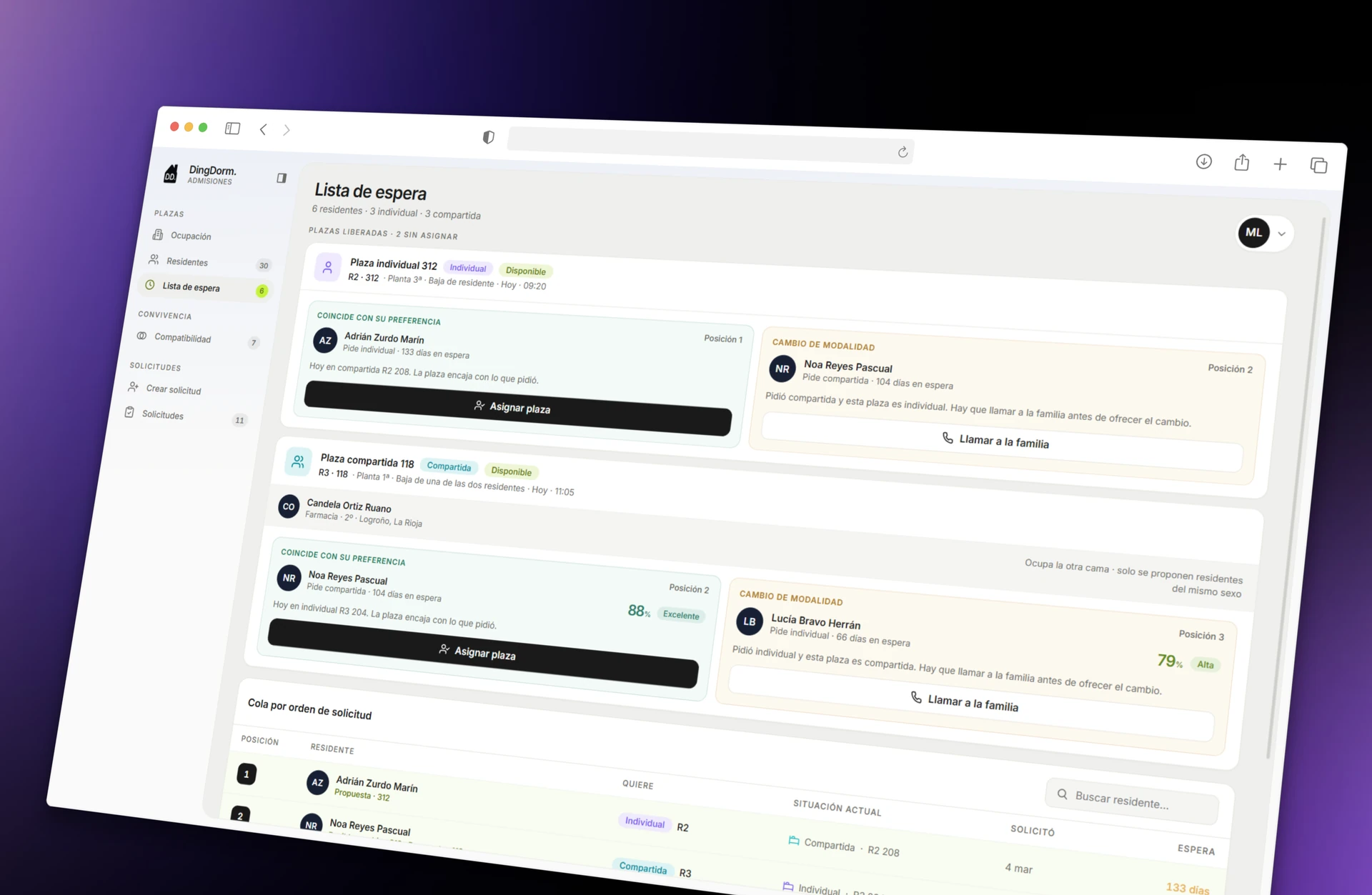
Designed for teams with no technical background: everyone sees what’s theirs today, what’s pending and nothing else.
- It rings where it needs to
- Nothing is forgotten until it’s closed
- Every step is logged: who, what and when
How a request travels.
Álvaro, already in Issues, reports that his basin is dripping. This is how it reaches the front desk, goes to maintenance and comes back to his phone fixed.
Shall we try it with your residence?
Book a demoIllustrative simulation. The screens are a recreation in the style of this website to explain the journey: they don’t show what the app or the panel actually look like.
All of daily life, from the phone.
Menus, parcels, issues and sign-outs, in one app. Residents sign in with their digital card and see, in each module, what matters to them today.
Dining hall
Daily menu, meal card and meals to your room.
Parcels
Alert on arrival and pickup with a QR code.
Issues
Reports with photos, four-stage tracking and chat with maintenance.
Sign-outs and long weekends
Log when you’re away and reply for every long weekend.
Loans and visitors
Borrow equipment and log visitors, no notebooks needed.
Notifications
Each notification opens its own screen.
A new way to match residents.
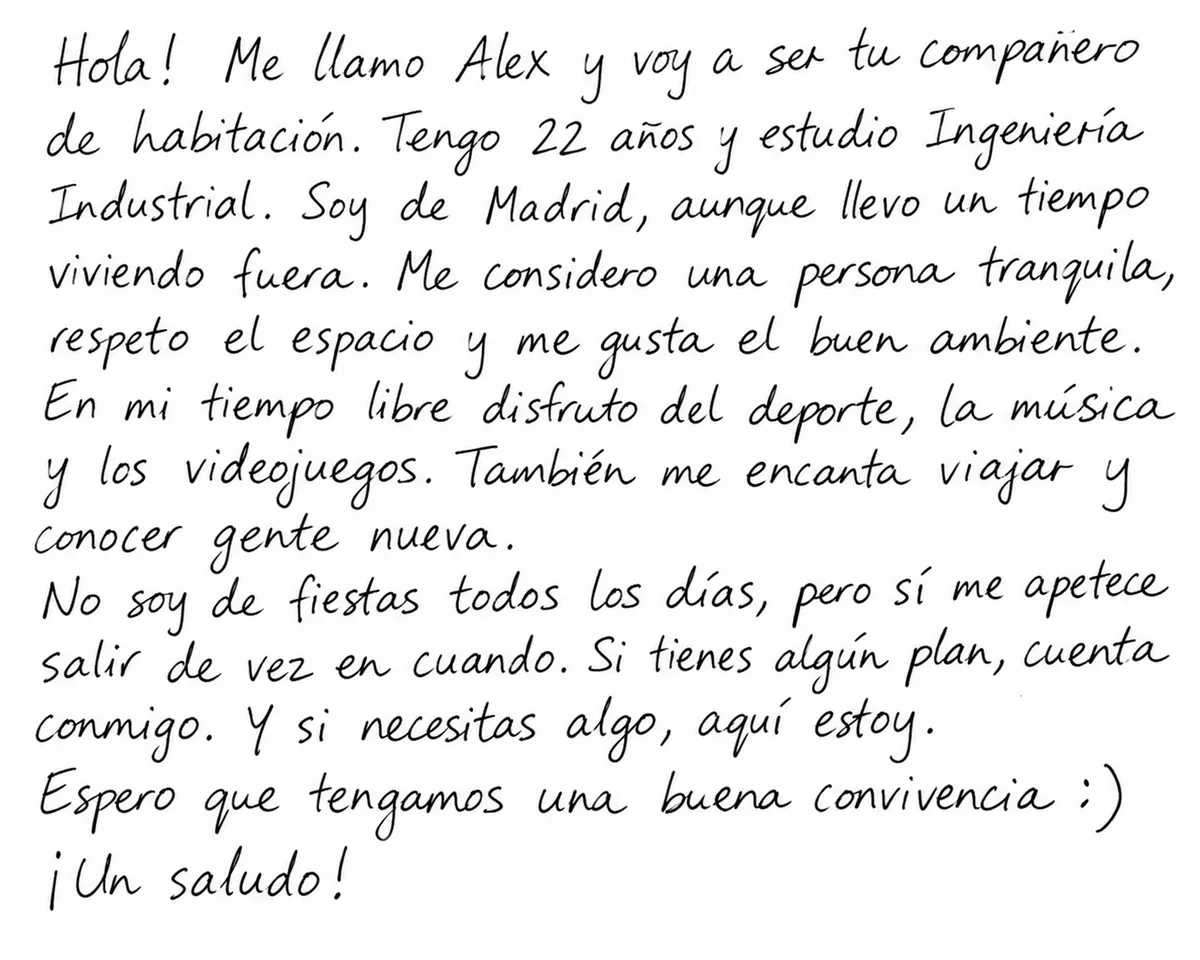
Because nobody should meet their roommate through a paper note.
Students who are going to share a room answer a roommate questionnaire. From their answers, DingDorm builds each resident’s profile and links it to an animal: an ant, an owl, a koala… Each animal sums up a way of living together (schedules, tidiness, rest, social life) and makes sense at a glance.
Using those profiles, DingDorm works out the affinity between residents and suggests the best room pairings. During the year, it suggests new pairings by affinity to anyone who changes rooms or arrives mid-year.
Move-in day, with no queue at the front desk.
From pre-registration to the key, all from the phone, with the real status of the place in view.



Enter your code
Type the 6 digits your residence emailed you.
Code accepted · Signing in…
Don’t have it? Ask at the front desk
- 01
Signs in with a code
Admissions opens the application and emails a 6-digit code and a QR code to download the app. They enter it under “I have a code”.
- 02
Completes the profile
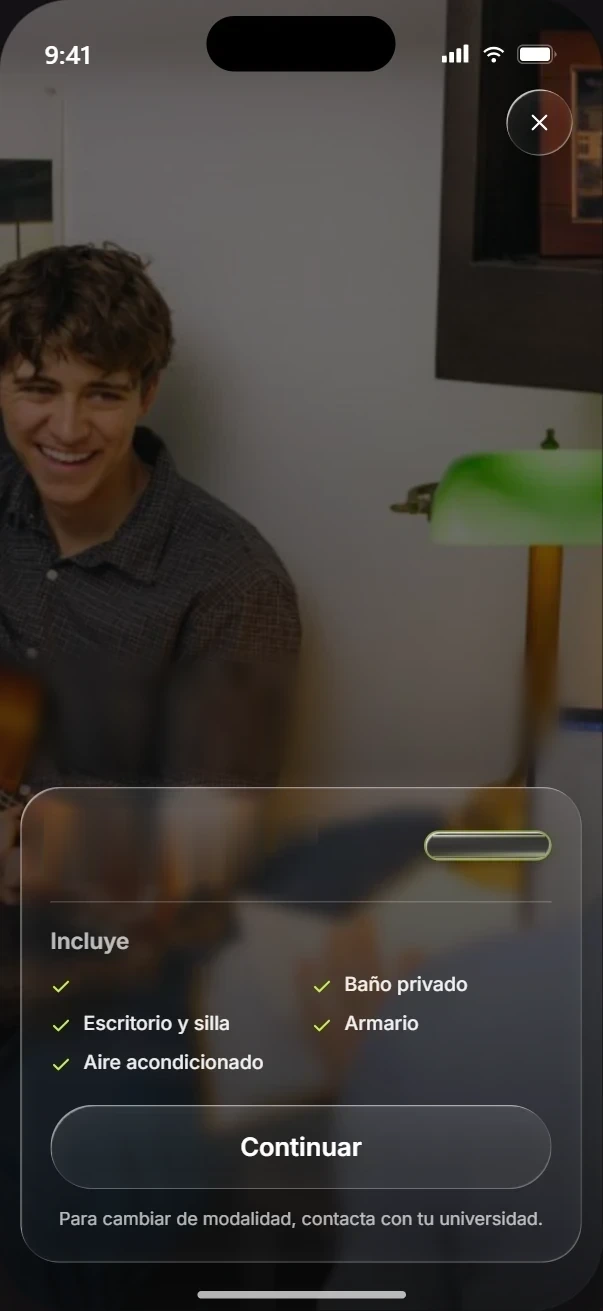
They see the option they’ve been assigned, add a photo and create a password for next time. If they’re sharing a room, they also answer the roommate questionnaire: 14 questions to find them a roommate.
- 03
Follows the place
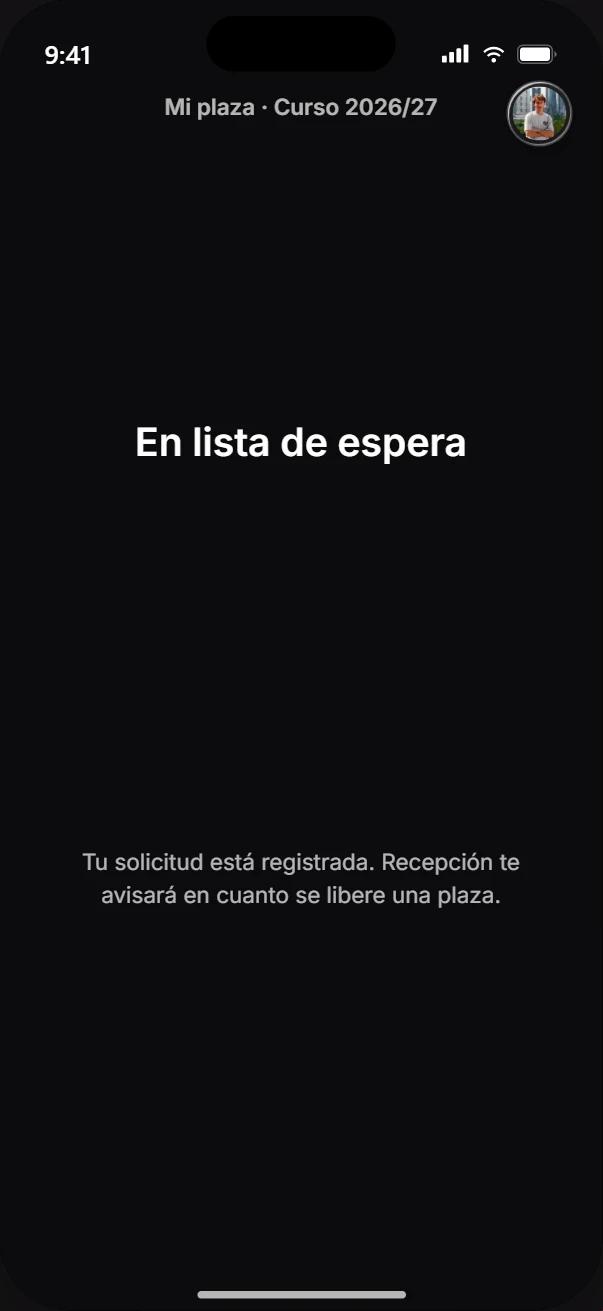
In “My place” they can see whether they’re on the waiting list. As soon as a place frees up, the front desk lets them know.
- 04
Place confirmed
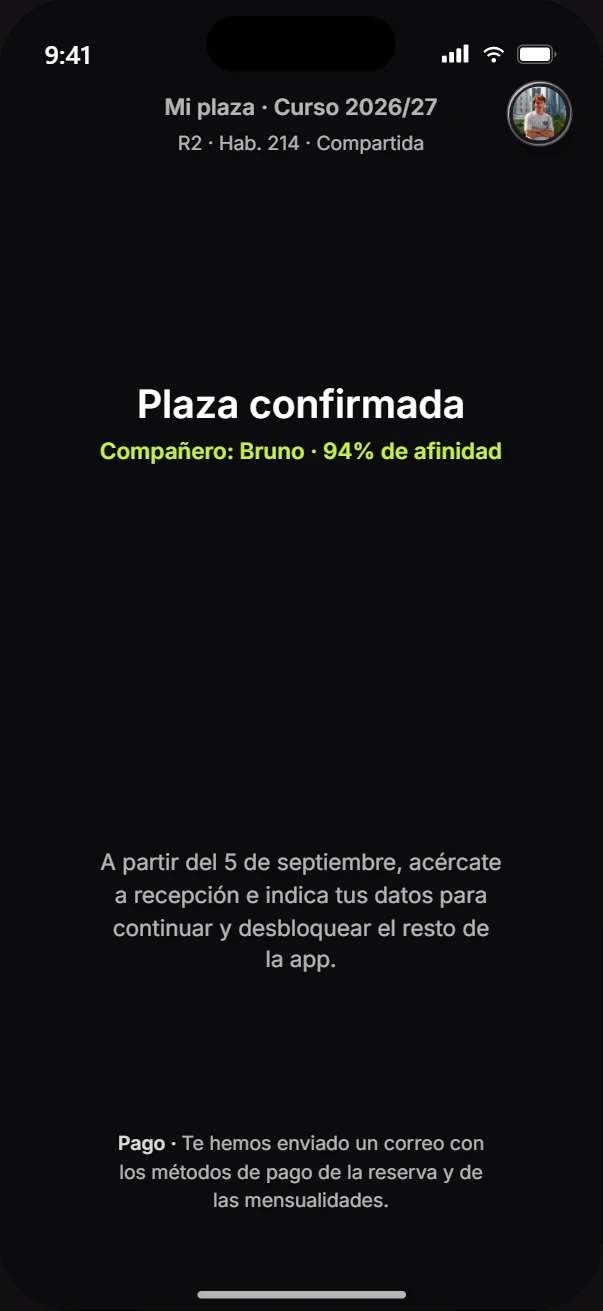
The app shows them their residence and their room, and an email arrives explaining how to pay the deposit and the monthly fees.
- 05
Arrival at the front desk
On move-in day they go to the front desk and give their details. As soon as the front desk logs their arrival, the app opens the room check-in.
- 06
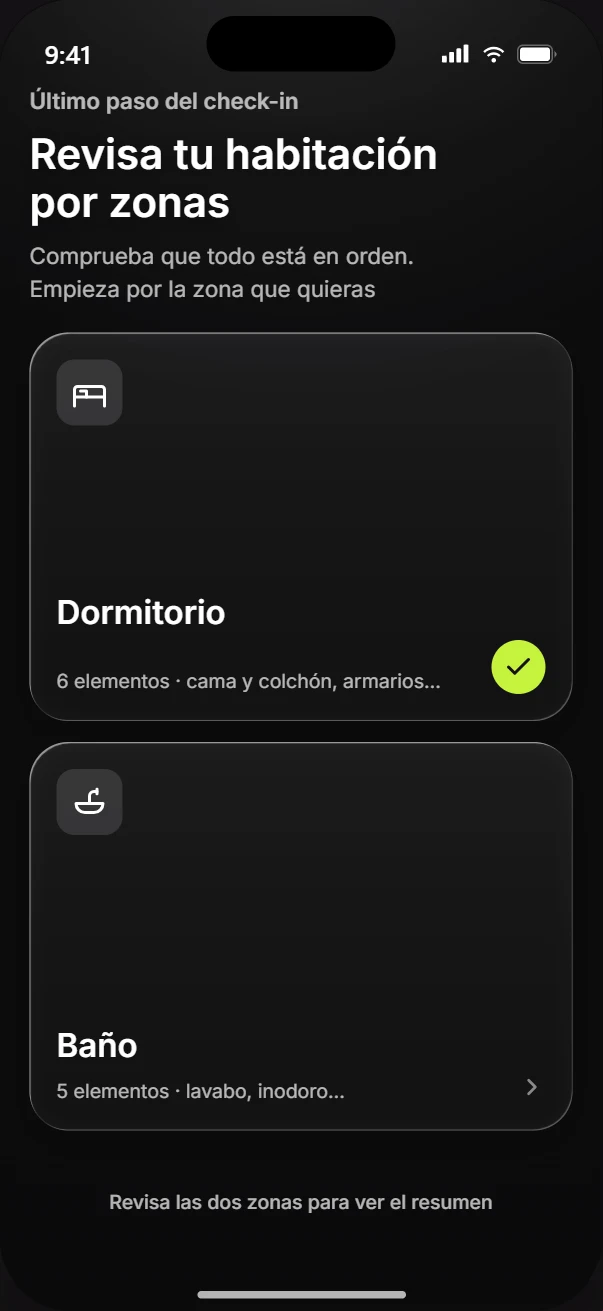
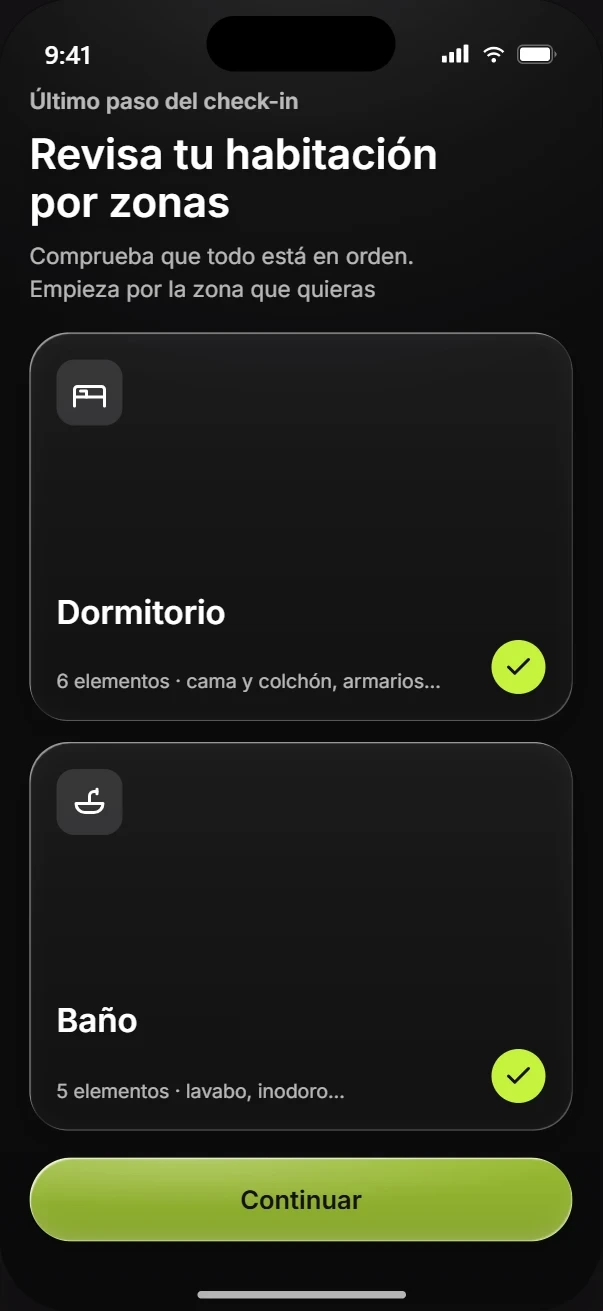
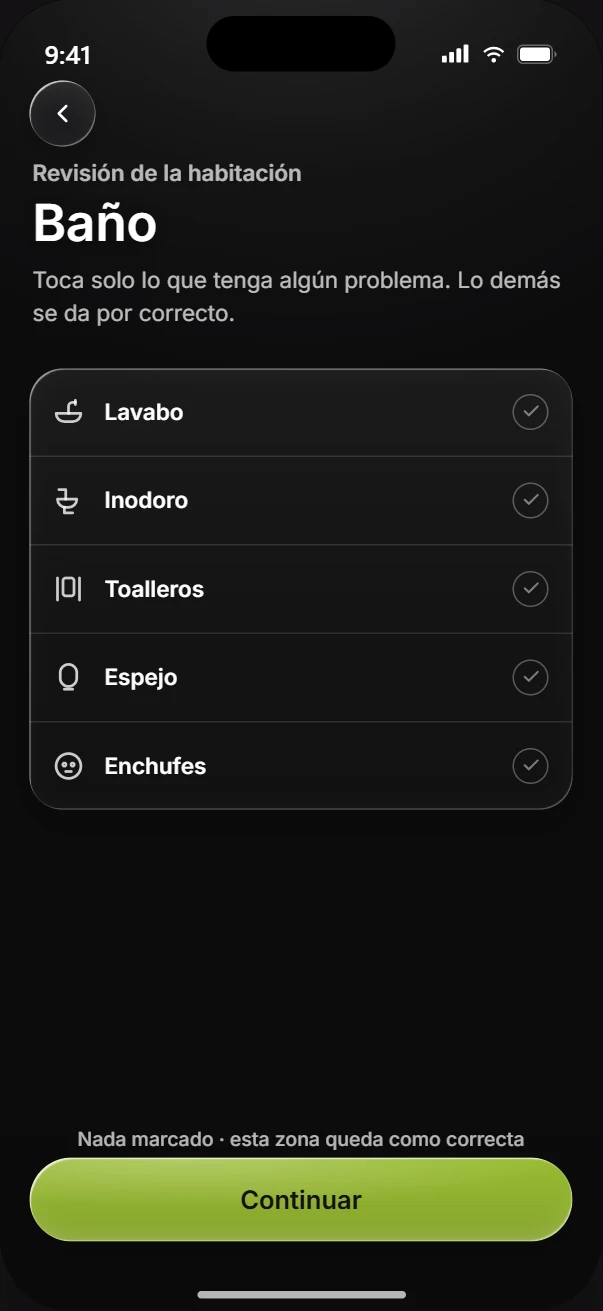
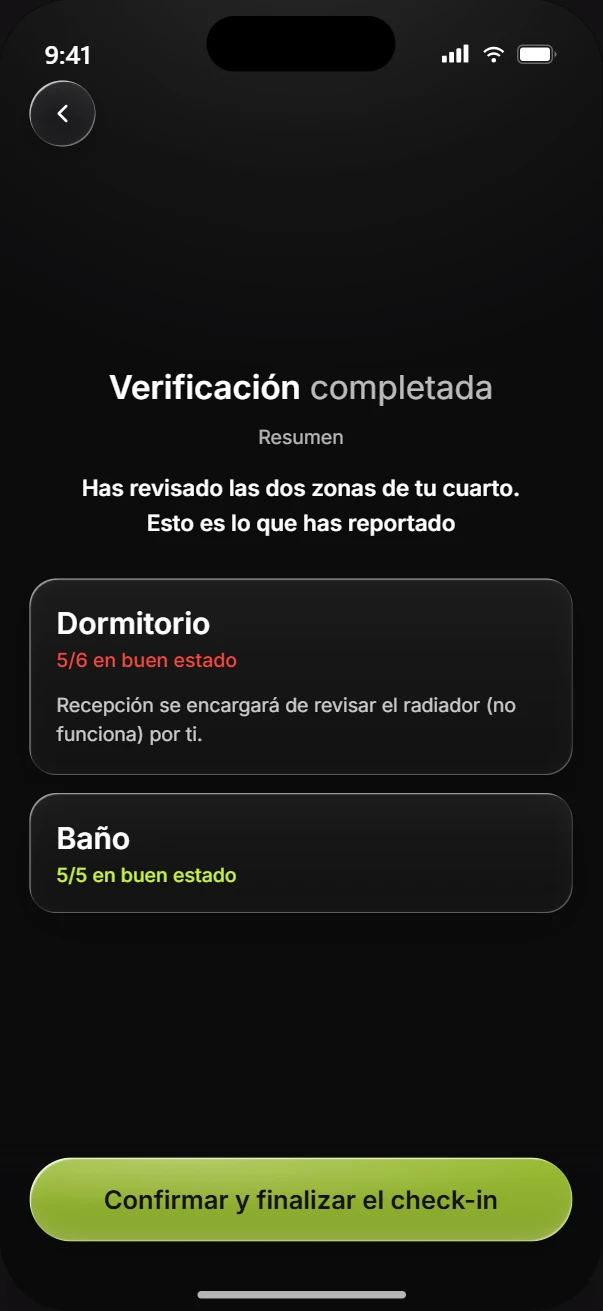
Room check-in
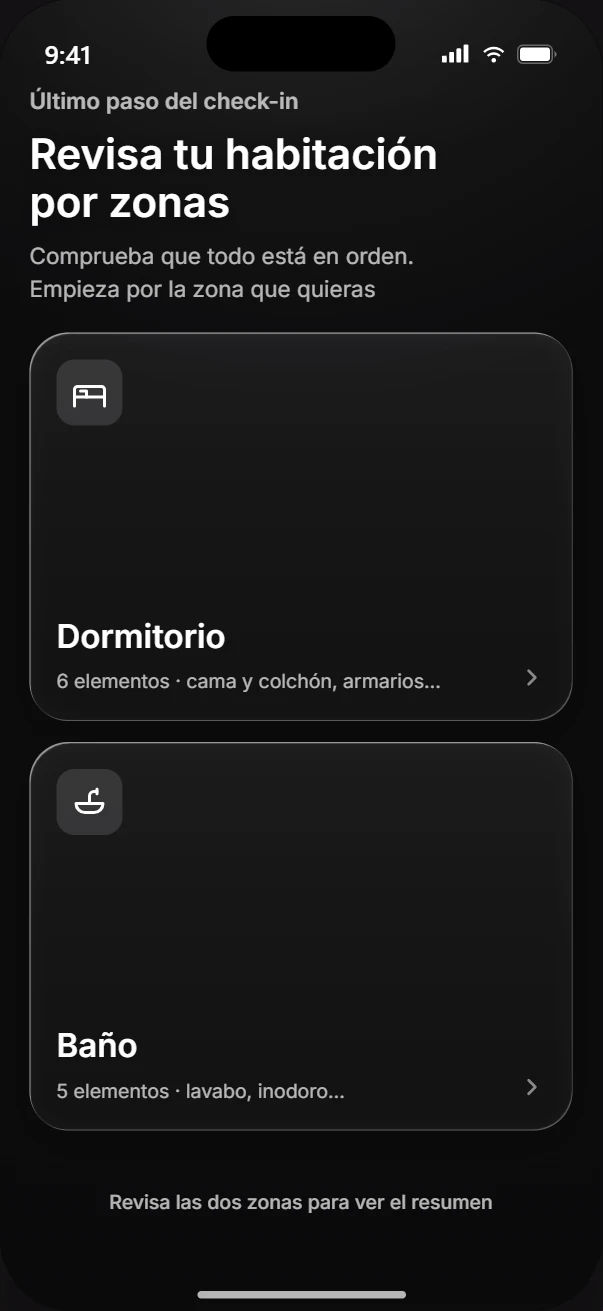
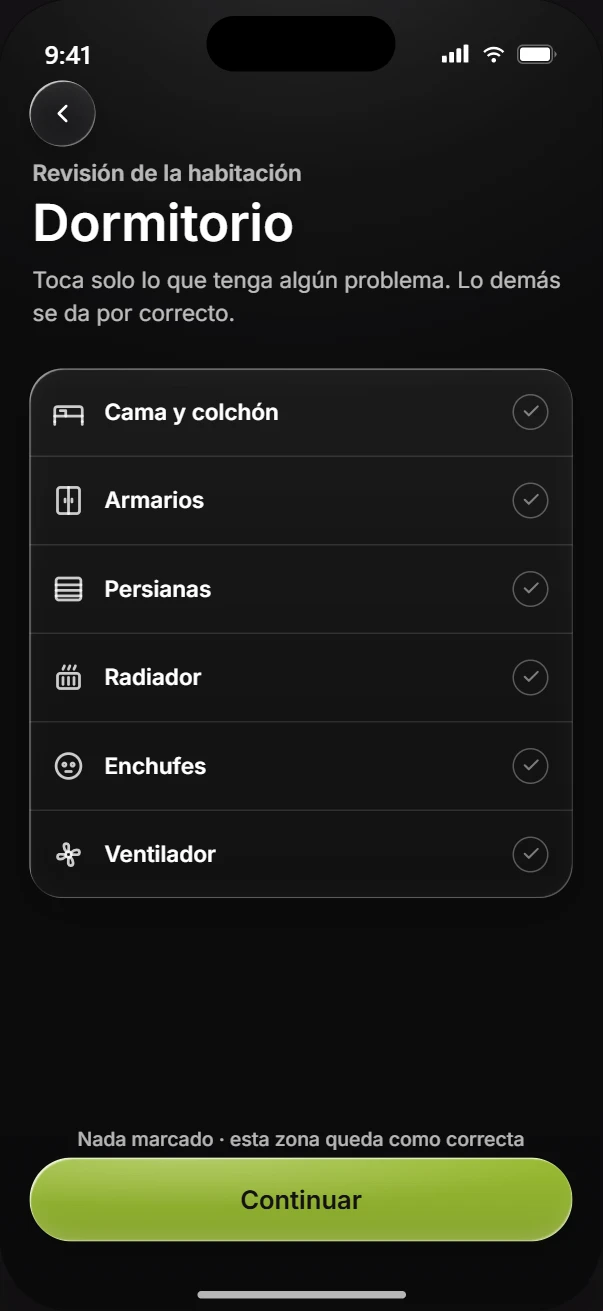
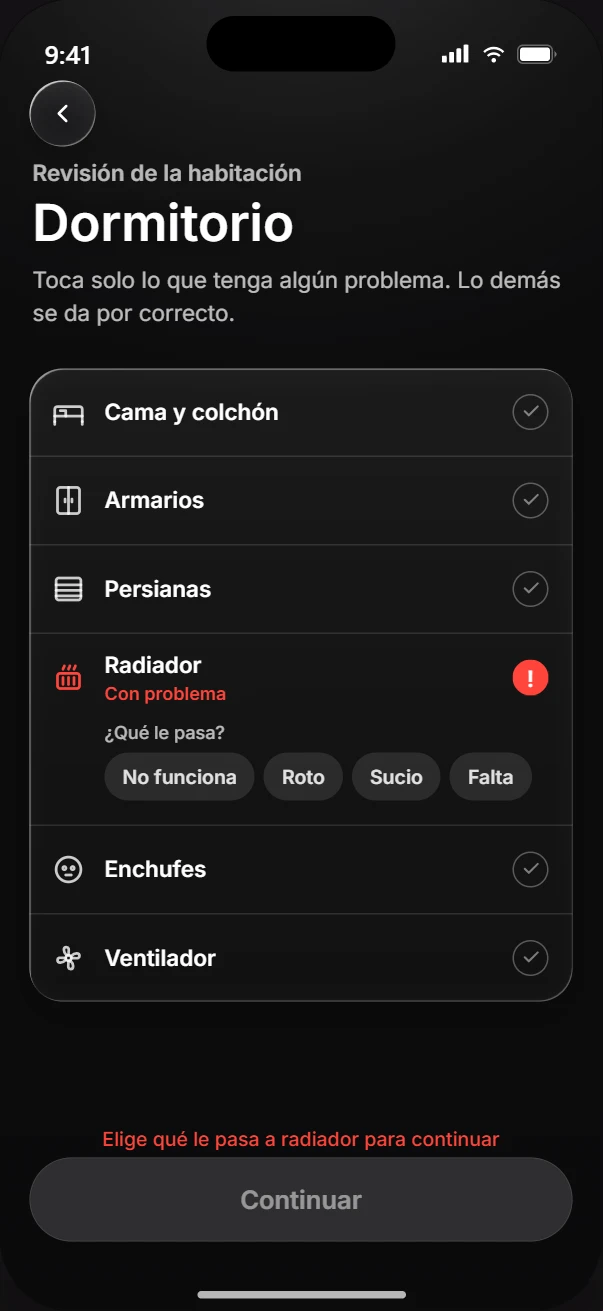
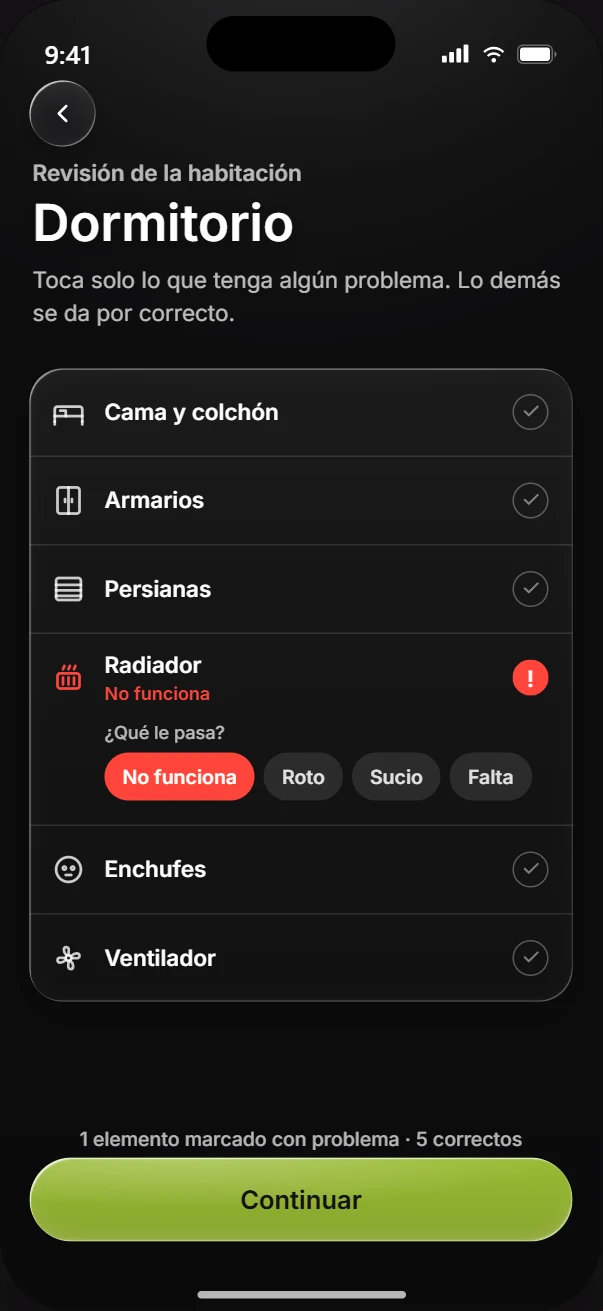
They check the bedroom and bathroom and tap only what has a problem; everything else counts as fine. Once it’s sent, the rest of the app unlocks.
And at the end of the year, place renewal is done from the phone too: staying on, room type, roommate, preferred rooms and meal plan.